How to Configure Prospect-Based Time Review
This article will guide you through setting up a user as a time reviewer for one or more prospects in Landboss.
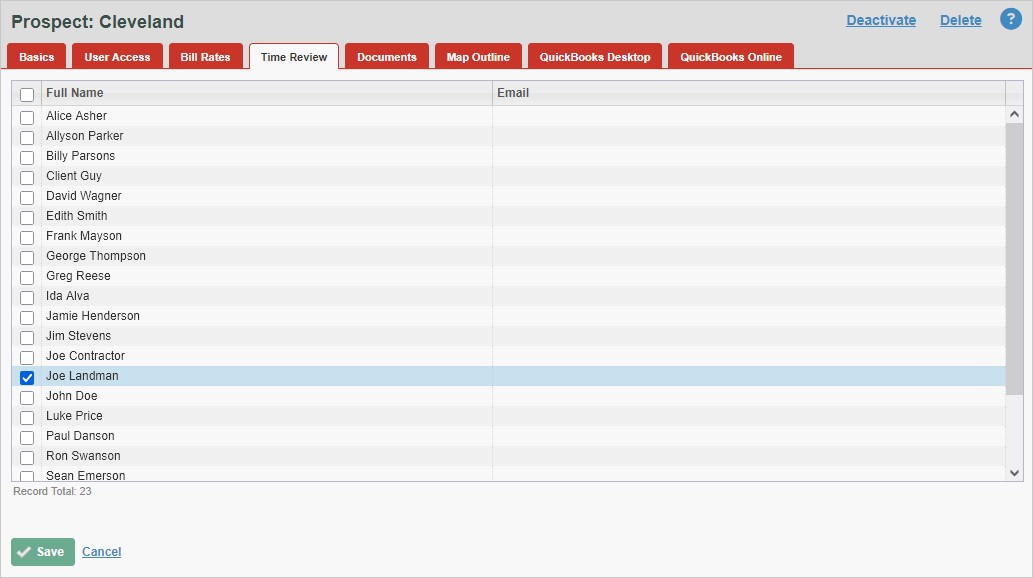
To set a user as a time reviewer for a prospect, go to the Time Review tab for the prospect and select the user, or users, that will be responsible for reviewing time entries made for that prospect.
A Time Reviewer must have access to a time entry's prospect or they will not be added as a time reviewer for those entries.
Step-By-Step Instructions
1. Click on Admin in the Main Menu

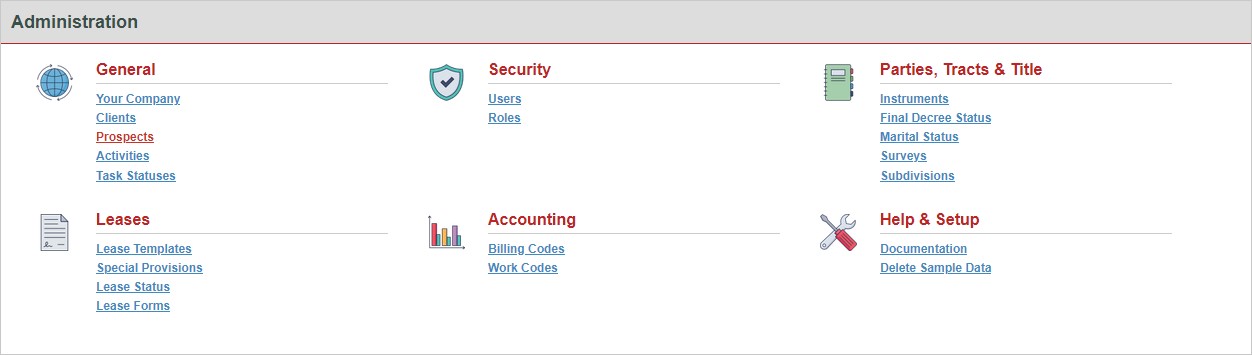
2. Click on Prospects
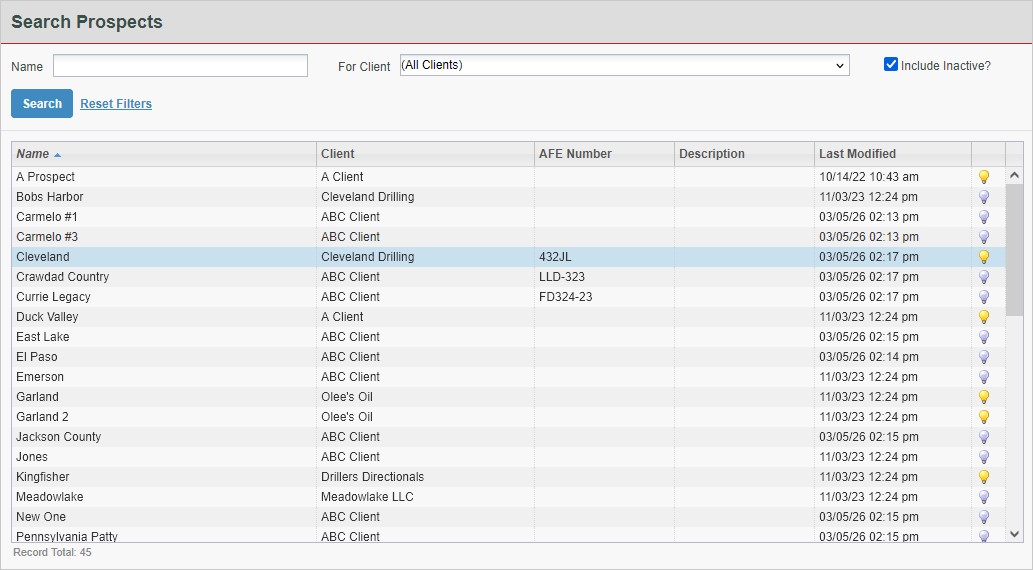
3. Find the Prospect and click its row in the grid
4. Click the Time Review tab

5. Select the user or users that will be responsible for reviewing time made for the prospect
Comments
Be the first to post a comment